Parts inventory and catalogue for your repair shop
ReForge keeps your stock in step with your repairs: a part added to a work order is reserved at once, stock levels move on their own, and when something drops below the minimum you set, you get an alert and a ready-made order list for your supplier.
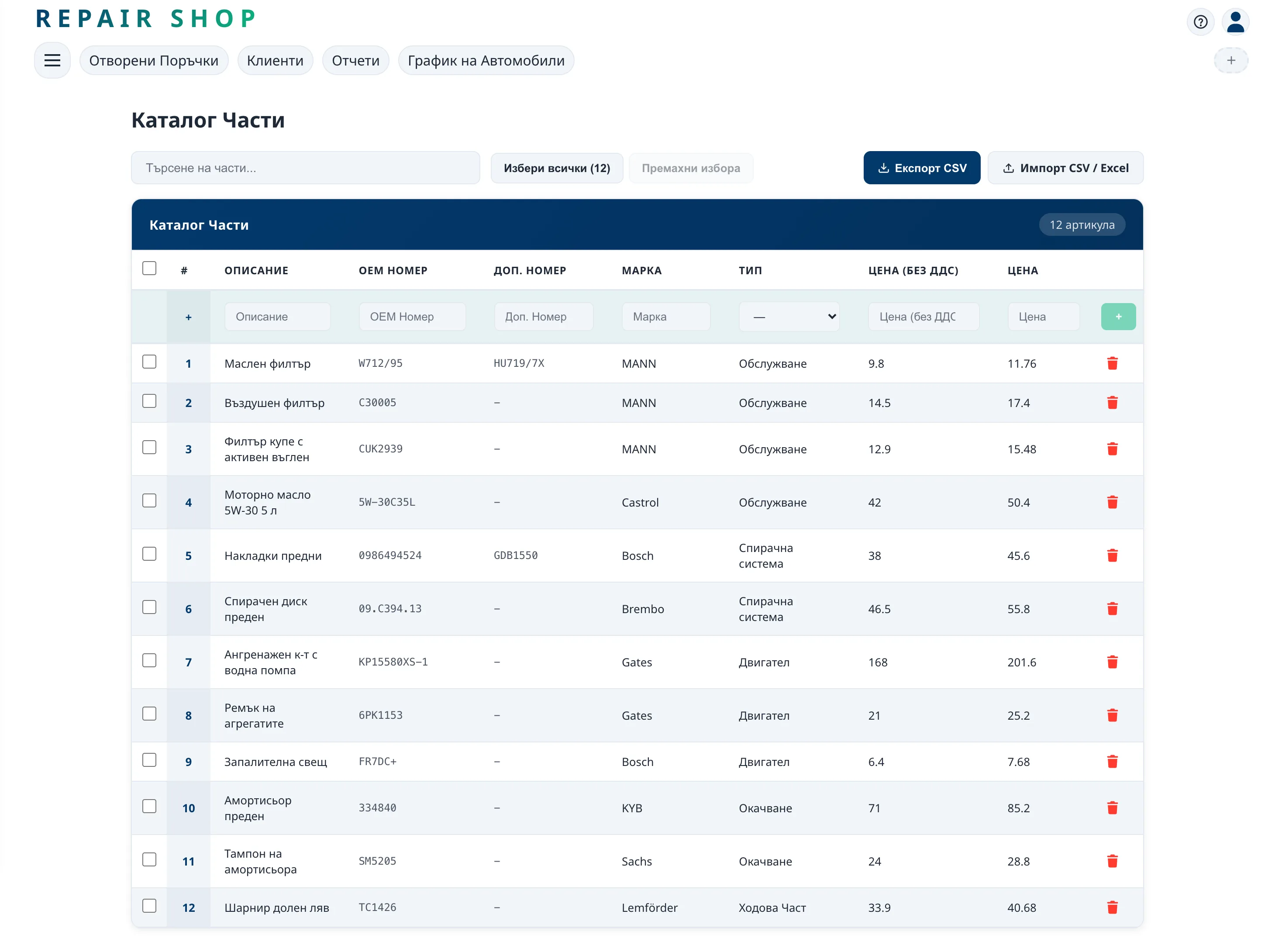
A catalogue that builds itself as you work
Add parts with their OEM number, alternative numbers, brand and price – or import your whole list from a spreadsheet and export it again whenever you need to. Every detail can be changed in two clicks.
Search takes several words at once – a brand and a type of part, say – and finds the result even when you don't remember the exact number.
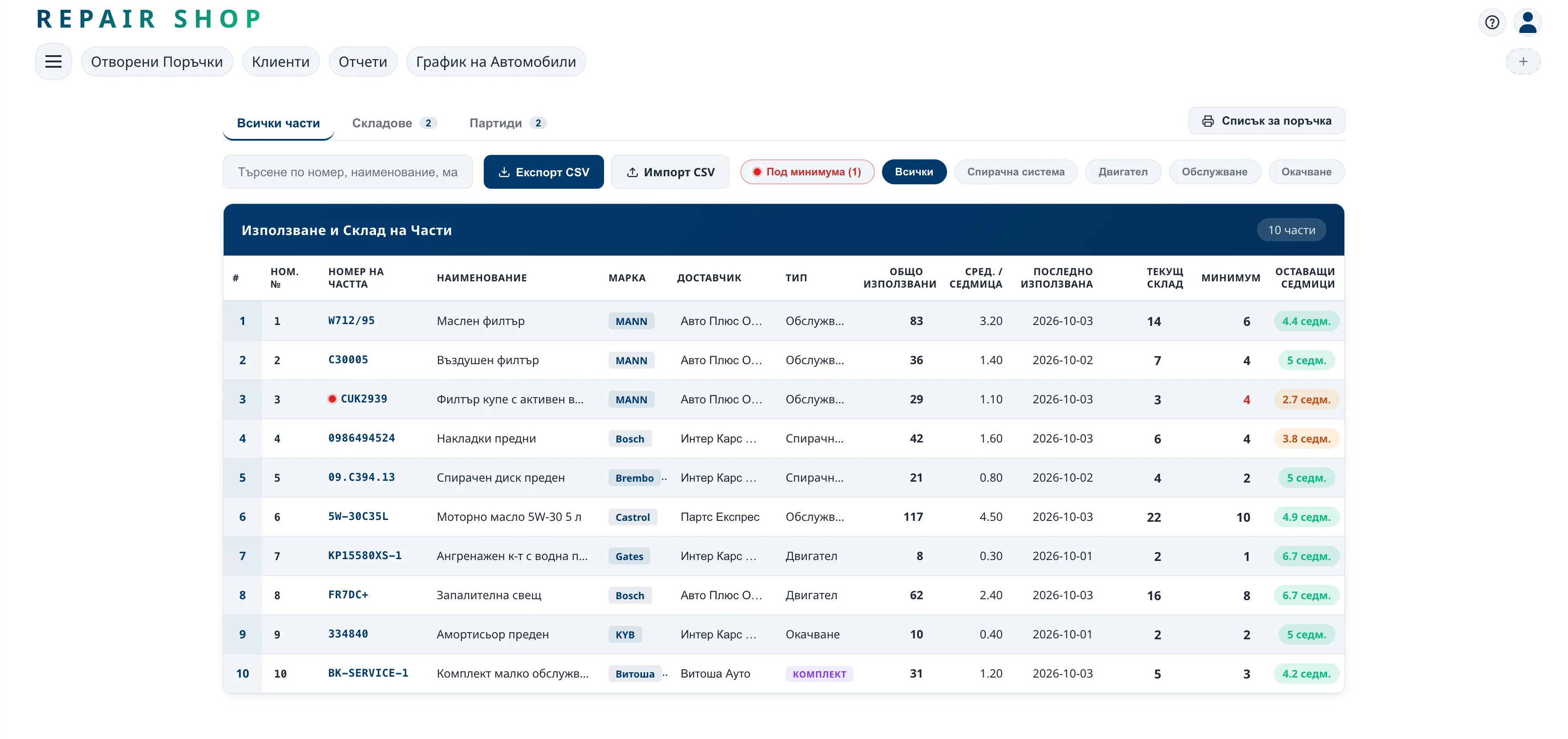
Stock that moves with every job
- A part is reserved the moment it goes into a work order, and returns to stock if the job is cancelled.
- Warehouses with nested groups – racks, shelves, the service van, whatever fits your shop.
- Stock moved between warehouses – all of it or just a few pieces.
- A minimum for every part and an alert when stock drops below it.
- An order list for your supplier, ready to print.
- Kits that group several parts under one number.
Why stock has to be tied to repairs
When stock is kept separately – in a spreadsheet or in one person's head – it always lags behind reality. One part is promised to two customers, another sits on the shelf for a year, and a third runs out just when you need it. When parts are booked out of the work order itself, your stock is right at any moment.
Frequently asked questions
Can I bring my parts list over from Excel?
Yes. The catalogue imports from a spreadsheet and can be exported back at any time.
What happens to a part if the customer turns the repair down?
The reserved part goes back into stock when the job is cancelled.
Can I have more than one warehouse?
Yes. You create several warehouses with nested groups – racks, shelves or a service van – and move stock between them.
How do I know when to reorder?
You set a minimum for each part. When stock drops below it, you get an alert, and the shortfall becomes an order list for your supplier.
